Choose your game
Scan a game window or your entire screen.
Put down your phone and stop pointing Google Translate at your monitor. MeoW translates visual novels, JRPGs, and story-rich games as you play—without injecting into the game or making you alt-tab. Choose fast standard translation or higher-quality, context-aware translation powered by advanced AI.
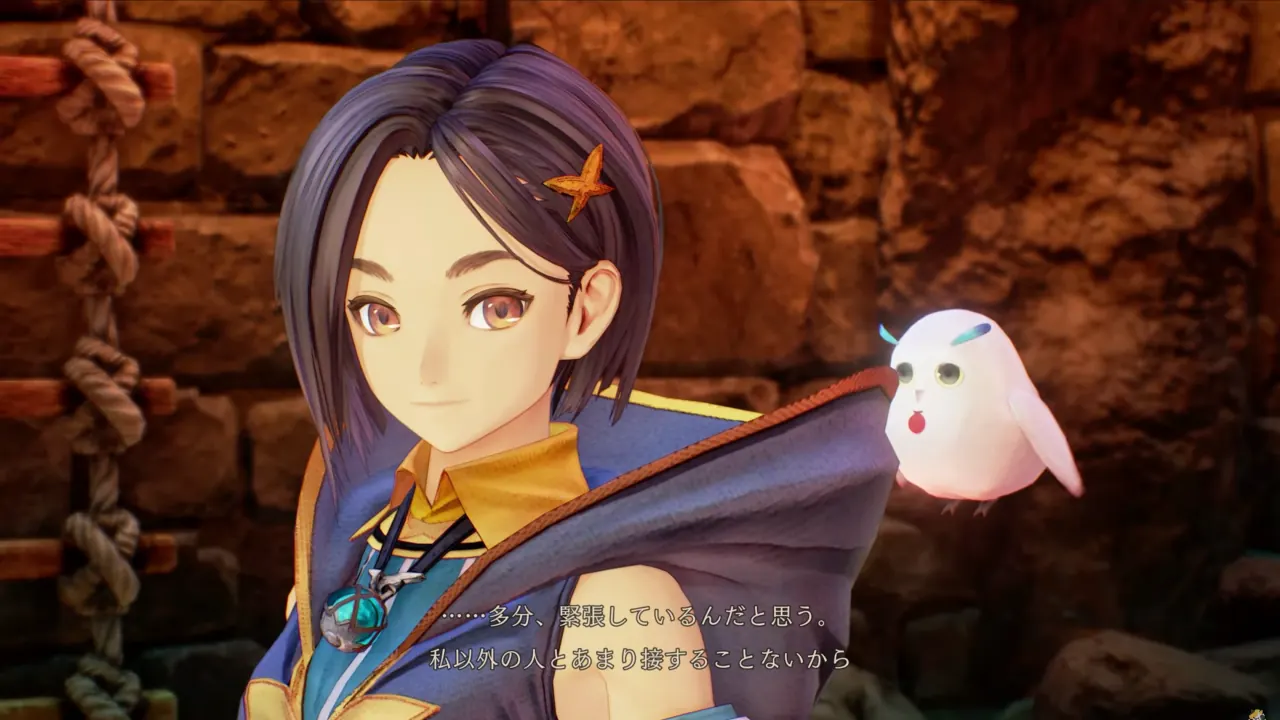
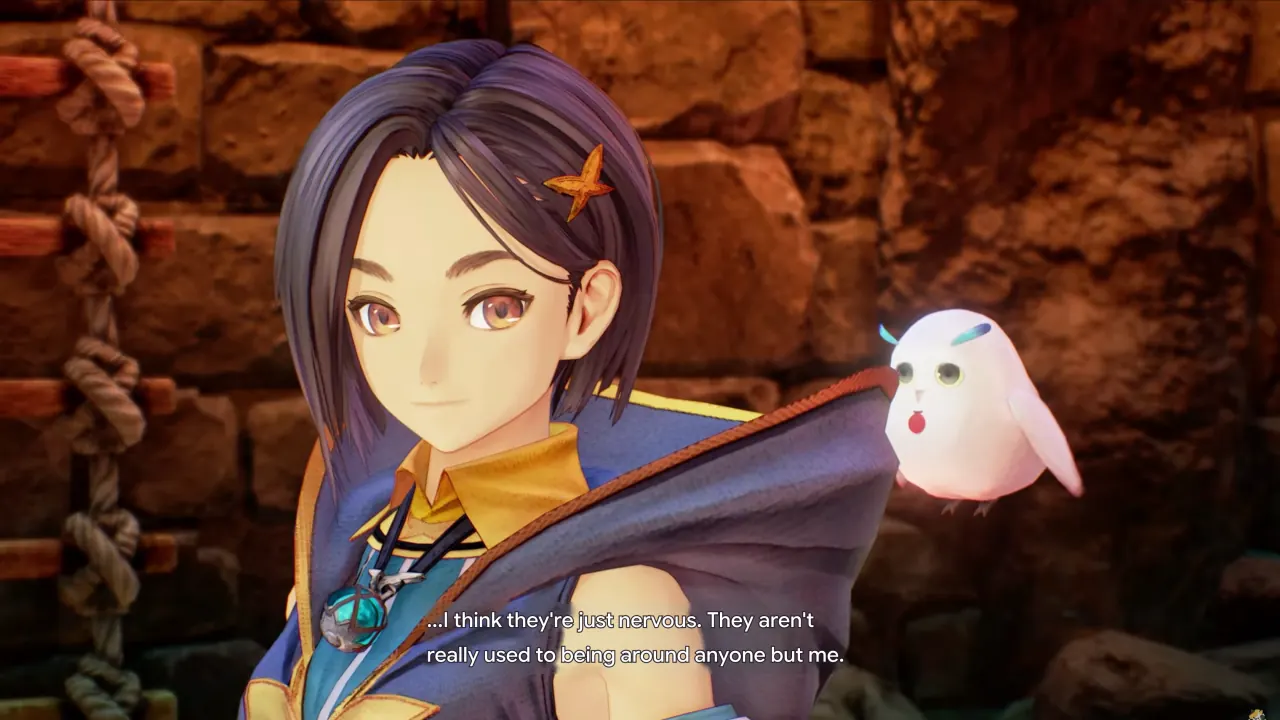
See MeoW translate a game in real time.
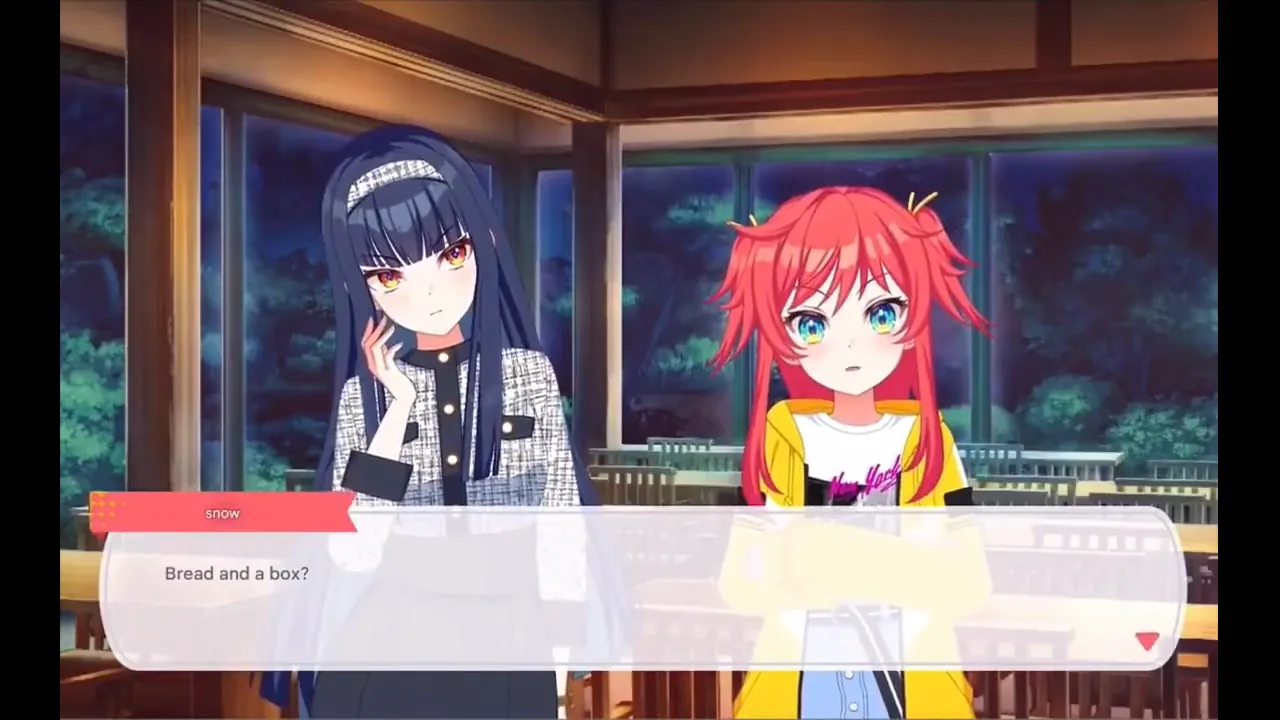
Choose your game, choose how to scan, then enjoy the translation right on screen.
Scan a game window or your entire screen.
Press SCAN or your custom hotkey for an instant translation, or enable AUTO for continuous scanning. Translate only a selected dialogue region or the entire screen.
Watch the translation appear in an instant and replace the original foreign-language text.
Ready to start translating?
DOWNLOAD FOR WINDOWS ↓MeoW works best with visual novels, JRPGs, RPGs, and story-focused games with clear, steady text. You can also translate manga, manhua, manhwa, videos, and movies you love.
MeoW can still translate screens with dense or fast-moving text, though the experience may be less seamless than a native localization.
Translations appear directly over the original text while the visuals and atmosphere stay intact, so you can enjoy every moment without breaking immersion.
TRY MEOW OCR ↓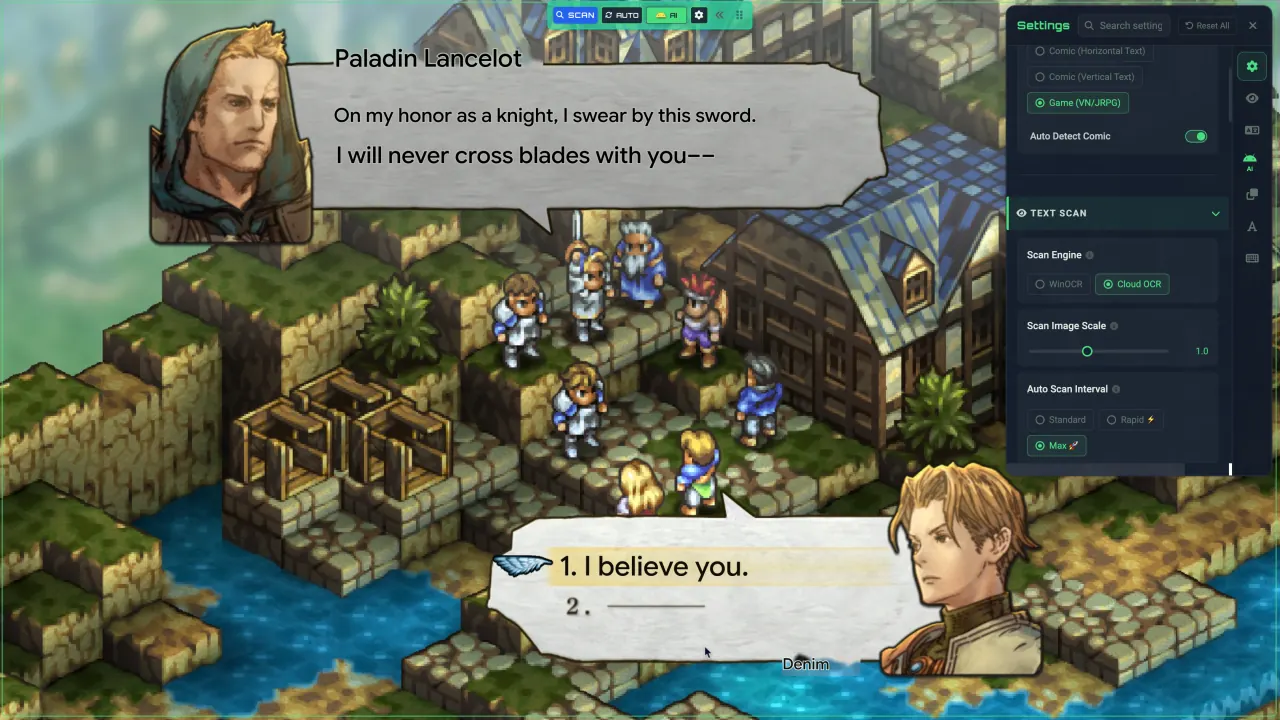
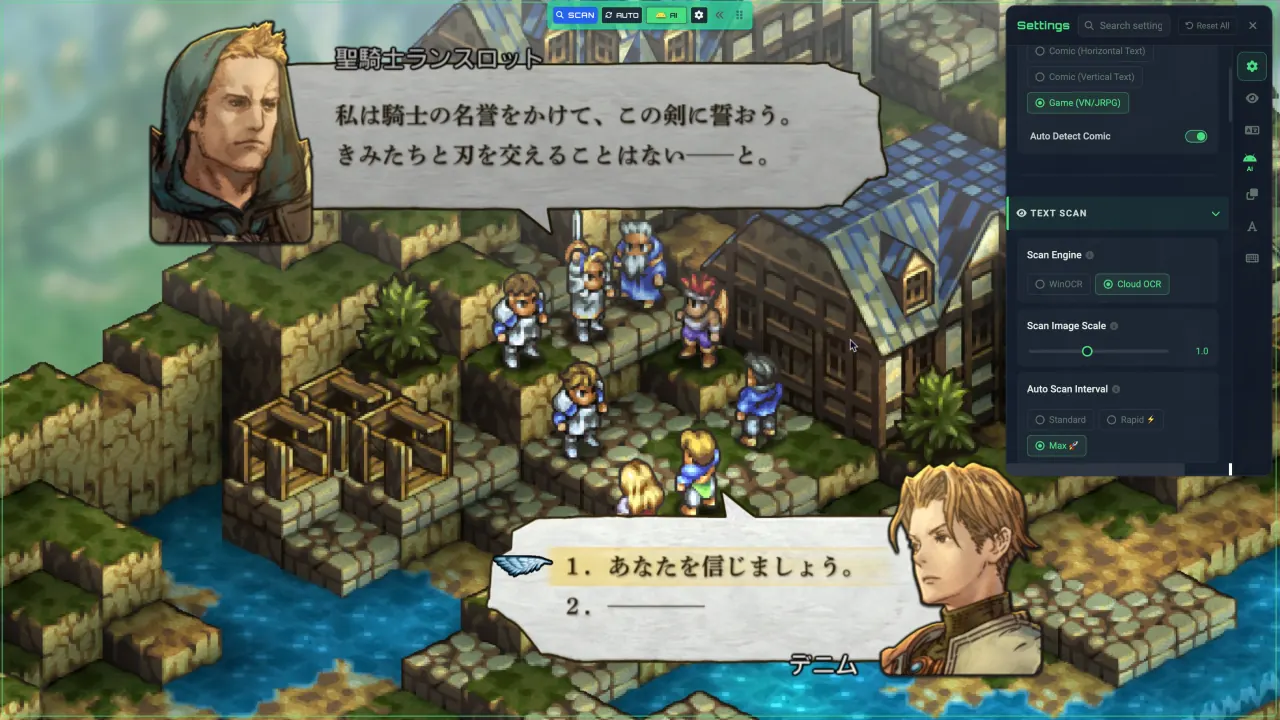 BEFORETRANSLATED
Quick answers to the things players usually want to know before downloading MeoW.
Yes. Translation currently requires an internet connection. OCR (text scanning) can run locally or in the cloud, and offline translation is in development.
Cloud OCR only sends the screen region you select. When you enable image analysis to improve translation quality, you stay in control: choose a region or the full window and preview the content before it is sent.
MeoW works best with games in windowed or borderless fullscreen mode. Exclusive Fullscreen, found in some older games, may not work yet; support will improve in future releases.
MeoW only captures the screen and displays translations as an overlay above the game window. It never injects code or modifies the game. A small number of games and anti-cheat systems may have their own rules, so check them before use.
You can use AI translation without an account within the free trial allowance. After the trial allowance is used up, continuing with AI translation requires an account and the purchase of a subscription or credits.
Translations appear in under one second on average. Actual speed may vary with your settings and the current status of the AI provider.
The FPS impact is negligible in most games. You can fine-tune the settings to reduce CPU and GPU usage when needed.
The direct installer is not currently code-signed, so Windows may show a warning. An official Microsoft Store release is in preparation. View the current installer's VirusTotal report.

NO MORE WAITING.